
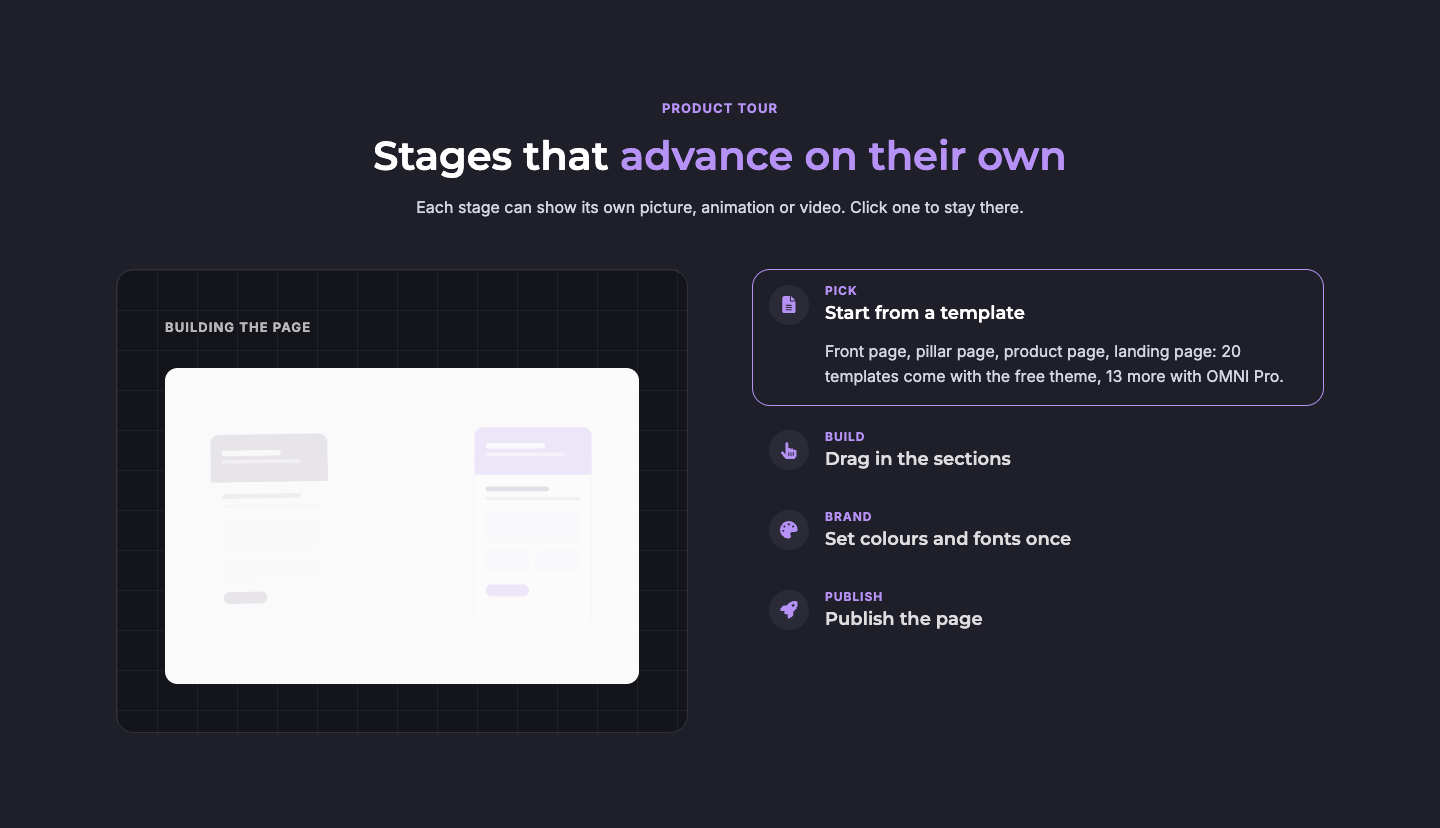
The progress panel beside the stages, with one stage open
Set up the content
- Progress panel: Up to eight short lines («Scraping page…») and the progress bar. The panel replays for every stage.
- Stages: A small label («Scan»), an icon, a title and the text shown while the stage is active. Two to eight stages.
- Behavior: Seconds per stage and the stage open at start.
Choose the look
| Setting | What it does |
|---|---|
| Styles → Layout → Panel position | Panel left or right of the stages |
| Styles → Layout → Column ratio | Balanced, a wider panel or wider stages |
| Styles → Layout → Grid texture | A faint grid behind the panel |
| Styles → Layout → Stages beside the panel | The stage list at the top edge of the panel, centred against it, or at its bottom edge (wide screens) |
| Styles → Layout → Stages: Distance from the top | Pushes the stage list down by a number of pixels, for a tall panel (wide screens) |
| Styles → Colors | Panel, line, check mark, dot, bar, active stage and icon chip colors. «Active stage tint» and «Active stage border» are the fill and the frame of the open stage; set their opacity to 0 for no tint or no frame |
Good to know
- The stages advance only while the module is on screen. A mouse pointer over the module pauses them, and a click on a stage jumps to it.
- With animations off, or for visitors who prefer reduced motion, the first stage stays open and every line shows its check mark.